
Are you tired of paying Xfinity’s monthly rental fees for equipment that barely meets your internet needs? You’re not alone. Millions of Xfinity customers are realizing they can save money and enjoy faster speeds by purchasing their x finity compatible modem.
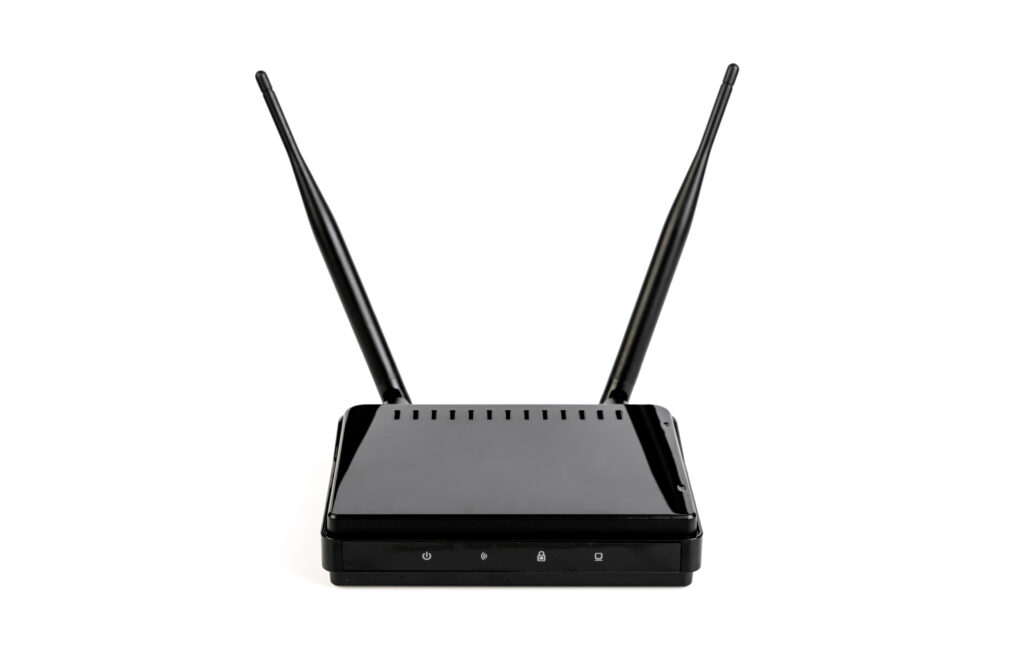
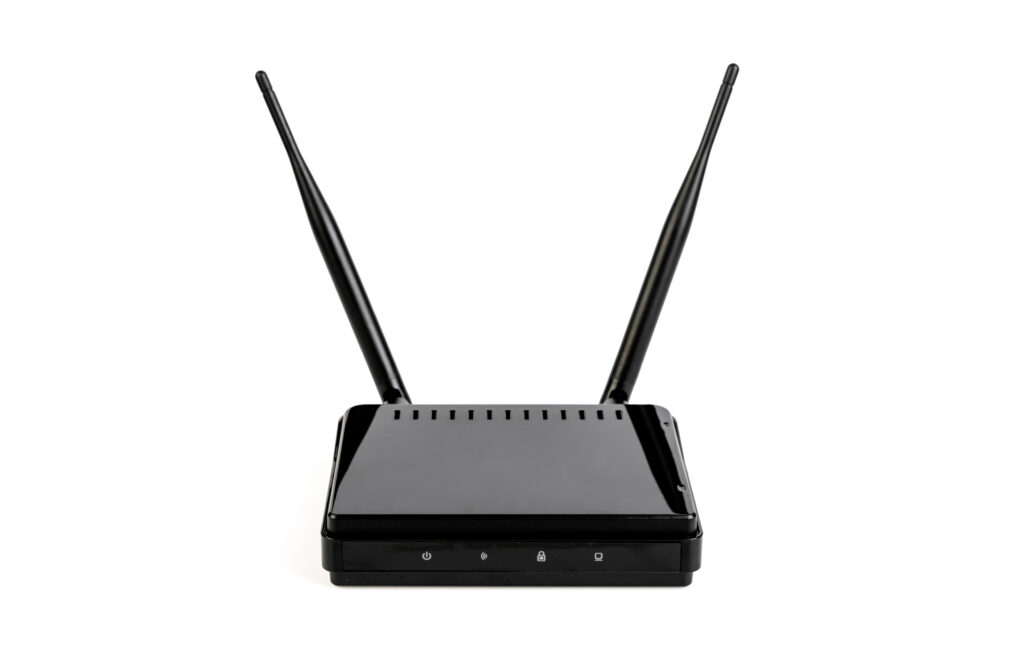
A modem/router combo (also called a gateway) is a single device that replaces both your cable modem and Wi-Fi router. Instead of juggling two separate pieces of equipment — one for your internet connection and another for your wireless network — a modem/router combination handles both tasks seamlessly. When you choose one that’s Xfinity-approved, it means it’s been tested and verified to work flawlessly with Xfinity’s internet network.
According to Xfinity’s 2025 equipment list, the company officially supports a wide range of DOCSIS 3.1 modem/router combos that deliver speeds up to 2.5 Gbps. This gives you the freedom to enjoy top-tier internet performance without paying the $15–$25 per month rental fee Xfinity charges for their standard gateway. That adds up to $180–$300 per year — money you could instead invest in your own high-performance device
In this detailed guide, we’ll break down everything you need to know about Xfinity compatible modem/router combinations — what they are, why compatibility matters, how to pick the best one for your speed plan, and which models top the charts in 2025. Whether you’re streaming in 4K, gaming competitively, or running a smart home, this guide will help you find the perfect setup.
Key Takeaways
- Owning your own Xfinity-compatible modem/router combo saves $200+ annually.
- Combo units simplify your setup while boosting Wi-Fi coverage and security.
- We’ll cover the best models, setup steps, compatibility checks, and common buying mistakes.
What Is an Xfinity Compatible Modem/Router Combination?
Before buying any networking device, it’s important to understand what an Xfinity compatible modem/router combination actually is — and why it’s different from a standard xfinity compatible modem Wi-Fi router or standalone modem. Many people mistakenly believe any modem/router will work with Xfinity, but that’s not always the case. Xfinity (owned by Comcast) uses specific technologies and firmware that only approved devices can connect to effectively.
Modem vs. Router vs. Modem/Router Combo
| Device Type | Function | Example |
|---|---|---|
| Modem | Connects your home to your Internet Service Provider (ISP) via coaxial cable. It converts internet signals into digital data. | ARRIS SB8200 |
| Router | Distributes that digital data wirelessly (Wi-Fi) or through Ethernet cables to devices like phones, TVs, or computers. | TP-Link Archer AXE75 |
| Modem/Router Combo (Gateway) | A 2-in-1 device that functions as both modem and router. Saves space, simplifies setup, and reduces cable clutter. | NETGEAR Nighthawk CAX80 |
In short:
- The modem talks to your ISP.
- The router talks to your devices.
- A modem/router combination does both — efficiently and in one device.
Why Xfinity Compatibility Matters
Not all modems and routers are built to work with every internet provider. Xfinity, like other ISPs, has a proprietary network configuration that relies on certain communication protocols and firmware. That’s why you can’t just plug in any modem and expect it to work.
A Xfinity compatible modem/router combination means the device is:
- Certified by Comcast/Xfinity to meet technical standards.
- Tested for speed compatibility (e.g., 300 Mbps, 800 Mbps, 1 Gbps).
- Equipped with DOCSIS 3.0 or 3.1 technology, which is required for high-speed broadband.
- Listed on the official Xfinity Approved Devices list, updated regularly on their website.
💡 Pro Tip: Before buying, visit Xfinity’s My Device Info page. You can enter your ZIP code and internet plan to see exactly which xfinity compatible modem modem/router combos are approved.
Benefits of Using an Xfinity-Compatible Combo Device
A certified modem/router combination for Xfinity offers several key advantages over the equipment you rent from Comcast:
- Lower Costs – Instead of paying $15–$25 per month, buy your own device once and save hundreds annually.
- Improved Wi-Fi Performance – Modern combos offer Wi-Fi 6 or Wi-Fi 6E technology for stronger, faster coverage.
- Simplified Setup – One device instead of two means easier installation, fewer cables, and less troubleshooting.
- Better Security – You control firmware updates and router settings, unlike rented equipment that Xfinity manages remotely.
- Future-Proof Speeds – DOCSIS 3.1 combos can handle up to 10 Gbps downstream, ideal for Xfinity’s Gigabit and future Multi-Gig plans.
Real-World Example: Renting vs. Owning
Let’s say you have Xfinity’s 800 Mbps plan and rent their xFi Gateway for $15/month.
| Option | Cost (1 Year) | Cost (2 Years) | Speed | Features |
|---|---|---|---|---|
| Xfinity xFi Gateway (Rental) | $180 | $360 | Up to 1 Gbps | Wi-Fi 6, limited controls |
| NETGEAR Nighthawk CAX80 (Owned) | $289 (one-time) | $289 | Up to 2.5 Gbps | Wi-Fi 6, parental controls, full admin access |
👉 Result: You break even within 18 months, and after that, you’re saving money every month — while enjoying faster speeds and better control.
How a Combo Works with Xfinity Internet
When you plug in your Xfinity compatible modem/router combination, the device:
- Connects to Xfinity’s cable line via coaxial cable.
- Authenticates through Xfinity’s activation system.
- Translates internet signals into usable data for your devices.
- Broadcasts that data through Wi-Fi or Ethernet connections.
This process typically takes less than 10 minutes using the Xfinity App, making it much easier than in years past.
“Switching to my own Xfinity-compatible modem/router combo was the best decision I made. My Wi-Fi coverage doubled, and I no longer worry about firmware updates being pushed without notice.”
— Mark J., Xfinity Customer since 2019
Why You Need an Xfinity-Approved Modem/Router Combination
When you sign up for Xfinity Internet, the company offers you a “plug-and-play” gateway rental — but that convenience comes at a hidden cost. By switching to your own xfinity compatible modem/router combination, you not only save money but also gain speed, control, and long-term performance benefits that Xfinity’s rented equipment simply can’t match.
Let’s break down why it’s so beneficial to invest in your own Xfinity compatible modem/router combo.
1. Eliminate Costly Rental Fees
One of the biggest motivators for Xfinity users to purchase their own equipment is saving money. Xfinity charges between $15–$25 per month for their xFi Gateway.
That may sound small — until you do the math:
| Duration | Monthly Fee | Total Paid to Xfinity |
|---|---|---|
| 1 Year | $15 | $180 |
| 2 Years | $15 | $360 |
| 3 Years | $15 | $540 |
Now compare that with purchasing your own Xfinity compatible modem/router combination for around $250–$300. Within 12–18 months, you’ll have recouped your investment — and everything after that is pure savings.
💡 Pro Tip: If you switch internet providers later, many DOCSIS 3.1 combos are also compatible with Spectrum, Cox, and other ISPs, so your investment continues to pay off.
2. Faster Speeds and Stronger Wi-Fi
Xfinity’s rented gateways are often one or two generations behind the latest consumer-grade technology. That means even if you’re paying for gigabit speeds, you might not actually be getting the full performance you’re paying for.
Modern Xfinity compatible modem/router combinations support:
- DOCSIS 3.1 (up to 10 Gbps downstream speeds)
- Wi-Fi 6 and 6E (faster, more stable, less interference)
- MU-MIMO and OFDMA (for multiple simultaneous device connections)
For example:
- The NETGEAR Nighthawk CAX80 delivers 2.5 Gbps Ethernet speeds and Wi-Fi 6 coverage for up to 3,000 sq. ft.
- The ARRIS SURFboard G36 handles 2.5 Gbps fiber-like performance with built-in app management.
That’s a significant leap over the Xfinity xFi Gateway, which typically caps out around 1 Gbps and offers limited customization.
3. More Control Over Your Network
When you use Xfinity’s rental gateway, you’re limited to whatever settings Comcast allows. xfinity compatible modem Many advanced features — like custom DNS servers, VPN passthrough, or detailed parental controls — are locked down or restricted.
Owning your own Xfinity compatible modem/router combo gives you:
- Full admin access to your Wi-Fi settings and device logs.
- The ability to set stronger passwords and encryption.
- Guest networks for visitors.
- The option to customize Quality of Service (QoS) — prioritizing gaming, streaming, or work traffic.
“When I switched from Xfinity’s rental gateway to a Motorola MG8702, my latency dropped by 40%, and I could finally control which devices got priority bandwidth.”
— Case Study: Reddit User “SpeedJunkie” (2024)
4. Enhanced Security and Privacy
Xfinity’s gateways are updated remotely by Comcast, which might sound convenient — but it also means you don’t control when or how firmware is updated.
By owning your own modem/router combination, you:
- Get timely security updates directly from the manufacturer.
- Avoid remote management by your ISP.
- Can disable unnecessary remote access or telemetry features.
Many modern devices even include automatic malware scanning and real-time network protection — something Xfinity’s rental gear often lacks.
5. Long-Term Compatibility and Future-Proofing
Technology evolves quickly. The last thing you want is to buy or rent a device that becomes outdated within a year.
Here’s where DOCSIS 3.1 Xfinity compatible modem/router combinations stand out. They:
- Support both current and future internet plans up to 2.5 Gbps.
- Are backward-compatible with DOCSIS 3.0 networks.
- Can handle next-gen Wi-Fi standards like Wi-Fi 6E and Wi-Fi 7 (in some 2025 models).
This means your purchase isn’t just for today — it’s ready for whatever internet speeds Xfinity launches next.
6. Better Coverage for Large Homes
One of the top complaints about Xfinity’s rented gateways is weak signal coverage. With an average range of around 1,200–1,500 sq. ft., they often leave dead zones in multi-level homes.
A quality Xfinity compatible modem/router combination typically offers:
- 2,500–3,500 sq. ft. of coverage
- Support for mesh extensions
- Advanced antennas and beamforming for focused Wi-Fi signals
For instance, the ASUS CM-AX6000 provides Wi-Fi 6 coverage for large homes,xfinity compatible modem making it ideal for families with multiple floors or smart home setups.
7. Improved Reliability and Stability
When you use an outdated or overloaded rental gateway, you’re more likely to experience:
- Random disconnects
- Slowdowns during peak hours
- Buffering while streaming
- Lag during gaming sessions
A well-built, Xfinity-approved modem/router combo ensures stable performance even under heavy use. Many include powerful processors and dedicated memory to handle dozens of simultaneous connections without slowing down.
In Summary
| Benefit | Description |
|---|---|
| Cost Savings | Save $180–$300 per year by ditching rental fees. |
| Speed Boost | Get true gigabit speeds with DOCSIS 3.1 and Wi-Fi 6. |
| Network Control | Customize your Wi-Fi, security, and bandwidth priorities. |
| Security | Protect your data with direct manufacturer updates. |
| Coverage | Extend range to eliminate dead zones. |
| Future-Proofing | Ready for next-gen multi-gig internet speeds. |
Owning your own Xfinity compatible modem/router combination gives you both freedom and performance — transforming your internet from “good enough” to “exceptional.”
Xfinity Compatibility Explained
Buying a new modem/router combination can be confusing if you’re not sure which models actually work with your Xfinity plan. Many users purchase expensive devices only to discover that Xfinity won’t activate them. That’s because not every modem/router combo is automatically Xfinity compatible.
Understanding how Xfinity compatibility works is crucial before spending your money. Below, we’ll walk through the approval process, speed tier matching, DOCSIS technology, and compatibility verification to ensure you choose the right device for your home network.
1. What Makes a Modem “Xfinity Compatible”
A Xfinity compatible modem/router combination is one that has passed Comcast’s network certification process. This process ensures the device can:
- Connect to Xfinity’s cable infrastructure without interference.
- Support the advertised internet speed tiers.
- Maintain stable performance under heavy usage.
- Meet the security and DOCSIS protocol standards required by Comcast.
In simpler terms — if your modem/router isn’t on Xfinity’s approved list, the network might refuse to activate it, even if it technically supports cable internet.
Fact: As of 2025, Xfinity lists over 90 approved modem/router combination models on its official compatibility page.

2. Understanding Xfinity’s Speed Tiers
Xfinity offers several internet speed plans, each requiring a certain type of modem. The higher your plan’s speed, the more advanced your modem/router combo must be.
| Xfinity Internet Plan | Typical Speed Range | Recommended DOCSIS | Example Compatible Devices |
|---|---|---|---|
| Connect / Connect More | 75–200 Mbps | DOCSIS 3.0 | Motorola MG7550, TP-Link CR700 |
| Fast / Superfast | 400–800 Mbps | DOCSIS 3.1 | ARRIS G36, Motorola MG8702 |
| Gigabit / Gigabit Extra | 1 Gbps+ | DOCSIS 3.1 | NETGEAR Nighthawk CAX80, ASUS CM-AX6000 |
| Gigabit Pro / Multi-Gig | 2 Gbps+ | DOCSIS 3.1+ / 4.0 Ready | ARRIS G54, NETGEAR Orbi CBR750 |
💡 Pro Tip: Always check your Xfinity plan’s maximum download and upload speeds before purchasing. Choosing a DOCSIS 3.0 modem for a Gigabit plan will bottleneck your speeds.
3. What Is DOCSIS — and Why It Matters for Xfinity Users
DOCSIS stands for Data Over Cable Service Interface Specification. It’s the technology that allows internet data to travel over standard coaxial cable lines (the same lines used for cable TV).
There are currently two major versions in use:
| DOCSIS Version | Max Download Speed | Max Upload Speed | Recommended For |
|---|---|---|---|
| DOCSIS 3.0 | Up to 1 Gbps | Up to 200 Mbps | Basic & Mid-tier Xfinity plans |
| DOCSIS 3.1 | Up to 10 Gbps | Up to 2 Gbps | Gigabit & Multi-Gig plans |
DOCSIS 3.1 also uses Orthogonal Frequency Division Multiplexing (OFDM), which enhances data efficiency and reduces lag — perfect for gamers and streamers.
If your goal is speed, stability, and future-proofing, always choose a DOCSIS 3.1 Xfinity compatible modem/router combination.
4. The Official Xfinity Approved Device List
To simplify the buying process, Xfinity provides an official, regularly updated database of approved modems and gateways.
You can access it directly here:
🔗 Xfinity My Device Info Tool
Once on the page:
- Log in with your Xfinity account or enter your ZIP code.
- Select your current internet plan.
- View a full list of approved devices.
- Filter by manufacturer, DOCSIS type, or speed compatibility.
This ensures you’re buying a fully supported device that will activate instantly on Xfinity’s network.
5. Common Compatibility Issues (and How to Avoid Them)
Even when a modem/router is advertised as “Xfinity compatible,” you can still face setup issues if certain details are overlooked. Here are the most frequent problems users encounter:
| Issue | Cause | Solution |
|---|---|---|
| Device not recognized | Not activated properly | Use Xfinity App or online activation portal |
| Slow speeds | Mismatch between device capability and plan speed | Upgrade to DOCSIS 3.1 or higher |
| Wi-Fi disconnects | Outdated firmware | Update device firmware manually |
| Limited device list | Old model no longer supported by Xfinity | Check updated approved list before buying |
| Activation errors | Incorrect MAC address input | Double-check label or use auto-detection via Xfinity App |
💬 Example: A user with a Netgear C3700 (DOCSIS 3.0) may see slower performance on a Gigabit Extra plan, since the modem can’t handle speeds above 400–500 Mbps.
6. Why Not Every Modem/Router Combo Works with Xfinity
Several reasons explain why some devices are incompatible with Xfinity:
- The device was designed for DSL or fiber, not cable internet.
- It uses firmware not certified by Comcast.
- It’s an international model not built for North American standards.
- It doesn’t meet security or channel bonding requirements.
Always look for the label “Xfinity Approved” or “Comcast Certified” on the product page or packaging.
“Compatibility isn’t just about plugging it in — it’s about ensuring the firmware, DOCSIS version, and channel bonding all align with Xfinity’s infrastructure.”
— Network Engineer, Broadband Now (2025)
7. How to Verify Compatibility Before Purchase
Here’s a quick checklist you can follow before buying your Xfinity compatible modem/router combination:
✅ Confirm the device is listed on Xfinity’s official approved devices page.
✅ Check that it supports your Xfinity plan’s max speed.
✅ Ensure it uses DOCSIS 3.1 or newer.
✅ Verify it supports Wi-Fi 6 or 6E if you want modern wireless performance.
✅ Read recent buyer reviews mentioning Xfinity activation success.
Following these five steps guarantees a smooth installation with zero activation headaches.
8. Summary: Simplifying Compatibility
| Factor | Why It Matters | Recommended Spec |
|---|---|---|
| DOCSIS Version | Affects max speed and stability | DOCSIS 3.1 |
| Wi-Fi Standard | Determines wireless performance | Wi-Fi 6 / 6E |
| Speed Tier Matching | Prevents bottlenecks | Match to Xfinity Plan |
| Firmware Certification | Ensures activation success | Comcast Certified |
| Activation Method | Simplifies setup | Xfinity App or Online |
Choosing an officially Xfinity compatible modem/router combination guarantees seamless activation, maximum speed, and reliable long-term performance. In short, compatibility isn’t optional — it’s the foundation of a great internet experience.