
Introduction to Frontier Routers
When it comes to ensuring fast, stable, and secure internet connections, having the best Frontier router can make all the difference. Whether you’re streaming, gaming, working from home, or managing smart devices, the right Frontier router ensures consistent performance across every corner of your home or business.
Frontier Communications, a major internet service provider (ISP) in the U.S., offers a range of fiber-optic and DSL plans. However, many users don’t realize that the quality of their router can dramatically affect internet speed, signal strength, and even overall reliability. A high-performing Frontier-compatible router can boost speed, improve Wi-Fi range, and minimize dropped connections — all without paying monthly equipment rental fees.
In this guide, we’ll explore everything you need to know about Frontier routers — from their built-in features and performance metrics to compatible third-party options and advanced setup tips for optimal results.
Why the Router You Use With Frontier Internet Matters
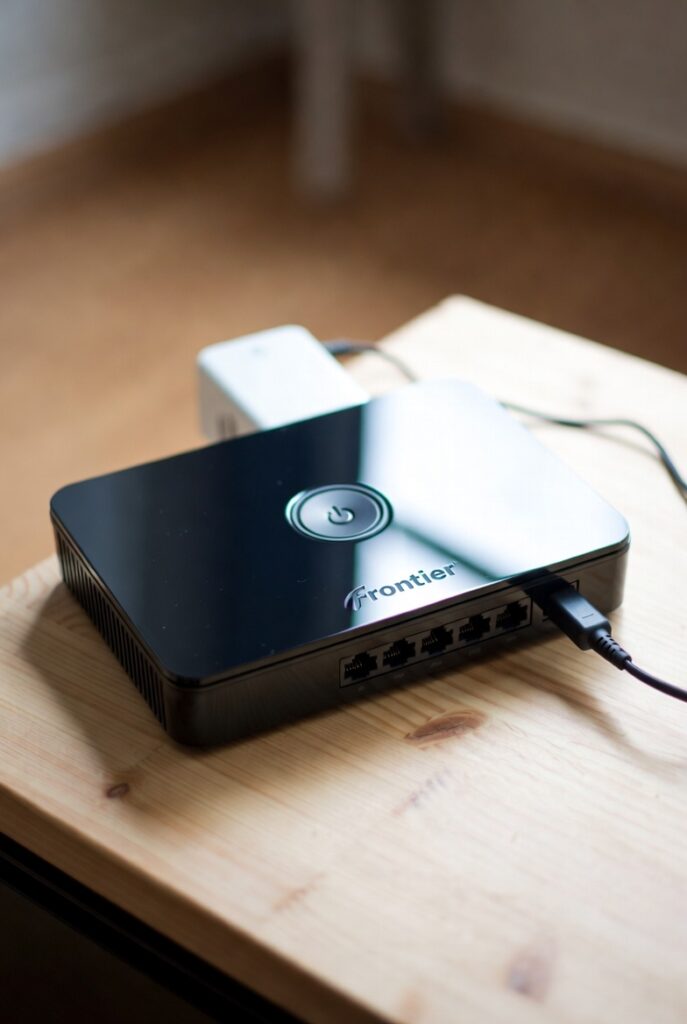
Your Frontier router acts as the central hub for all your connected devices. It not only distributes your internet connection but also controls data flow, manages security, and prioritizes devices on your network. In simpler terms, it’s the brain of your home internet system.
If you’re still using the default router provided by Frontier, you might not be getting the most from your internet plan. Many users find that their speeds are throttled, or they experience inconsistent Wi-Fi coverage — particularly in large homes or when multiple devices are active simultaneously.
A high-quality Frontier-compatible router or an upgraded model can resolve these issues by:
- Enhancing speed throughput — supporting gigabit speeds for fiber users.
- Expanding Wi-Fi coverage — eliminating dead zones in large or multi-story homes.
- Improving network security — through advanced firewalls, WPA3 encryption, and parental controls.
- Reducing latency — ideal for gamers and remote workers who depend on low ping rates.
Quick Fact: Studies by HighSpeedInternet.com show that upgrading from ISP-provided routers to third-party models can improve Wi-Fi speeds by up to 35%, especially on high-speed fiber networks like Frontier FiberOptic.
Frontier Routers vs. Third-Party Routers: Which Is Better?
Frontier provides customers with standard routers like the Arris NVG468MQ, Nokia G-240G-A, and the newer Eero Pro 6E mesh router for Frontier Fiber customers. While these perform adequately for basic needs, they’re often limited in advanced customization, range, or bandwidth management.
Here’s a quick comparison to help you understand the differences:
| Feature | Frontier-Provided Router | High-End Third-Party Router |
|---|---|---|
| Wi-Fi Standard | Wi-Fi 5 (some Wi-Fi 6) | Wi-Fi 6 / Wi-Fi 6E / Wi-Fi 7 |
| Speed Capacity | Up to 1 Gbps | Up to 10 Gbps |
| Coverage Area | 1,000–1,500 sq. ft. | 2,500–6,000 sq. ft. (mesh capable) |
| Security Features | WPA2 | WPA3, advanced firewalls, VPN support |
| Device Management | Basic | Advanced QoS, parental control, smart app integration |
| Cost | Monthly rental ($10–$15) | One-time purchase ($150–$400) |
Verdict:
If you’re a casual user with a smaller home and few devices, the default Frontier router may suffice. However, for power users — gamers, streamers, remote professionals, or smart-home enthusiasts — investing in the best router for Frontier internet (such as TP-Link Archer AXE300 or ASUS RT-AX88U) delivers long-term savings and vastly improved performance.
Understanding the Technology Behind Frontier Routers
A Frontier router operates as a dual-function device — acting both as a modem (connecting to the internet via DSL or fiber) and a router (distributing the signal across your home).
Frontier’s modern fiber routers use GPON (Gigabit Passive Optical Network) technology, allowing for symmetrical speeds (equal upload and download). This is ideal for today’s high-bandwidth tasks such as:
- 4K and 8K video streaming
- Online gaming and esports
- Video conferencing
- Cloud storage synchronization
- Smart home automation
Most Frontier routers support dual-band or tri-band Wi-Fi technology, operating on 2.4 GHz for longer range and 5 GHz (or 6 GHz on Wi-Fi 6E models) for ultra-fast, short-range connections.
Example:
A Frontier FiberOptic 2 Gbps plan paired with a Wi-Fi 6E router can easily handle 100+ devices simultaneously — ensuring seamless connectivity for every laptop, phone, camera, and IoT device in your home.
Real-World Case Study: Upgrading Frontier’s Default Router
Let’s look at a practical example.
Case Study: John, a remote engineer from Dallas, Texas, used the default Frontier Arris NVG468MQ router. His internet speeds on Frontier Fiber (1 Gbps plan) averaged 580 Mbps on Wi-Fi due to poor range and signal loss in his two-story home.
After upgrading to an ASUS RT-AX88U Wi-Fi 6 router and connecting it to Frontier’s ONT (optical network terminal), his speeds jumped to 930 Mbps, with stable connections throughout all rooms.
Additionally, latency dropped from 32 ms to 12 ms, greatly improving his video calls and gaming performance.
Key Takeaway: Upgrading your Frontier router can unlock the full potential of your internet plan — often doubling performance without changing your ISP or plan.
Common Issues With Frontier Routers and How to Fix Them
Even the best routers can run into occasional issues. If you’re experiencing slow speeds, connection drops, or dead zones, these are common Frontier router problems — and how to fix them:
- Slow Wi-Fi Speed
- Cause: Outdated router or overcrowded channel.
- Solution: Upgrade to a Wi-Fi 6 router and use a less congested channel (via router settings).
- Weak Signal in Some Rooms
- Cause: Large home or signal interference from walls.
- Solution: Use a Frontier mesh router system or add Wi-Fi extenders.
- Frequent Disconnections
- Cause: Overheating or firmware issues.
- Solution: Restart your router weekly and update firmware regularly.
- No Internet Despite Connection
- Cause: Modem-router sync failure or ISP issue.
- Solution: Power cycle your router, or call Frontier tech support for line testing.
Pro Tip: Always position your Frontier router in a central, elevated, and open space — away from walls or metal appliances. This improves Wi-Fi propagation and reduces interference.
Final Thoughts on Choosing the Right Frontier Router
A Frontier router is more than just a box that connects you to the internet — it’s the foundation of your entire digital experience. Choosing the best Frontier router (whether from the provider or a high-performance third-party model) ensures you’re maximizing both speed and reliability.
When selecting the right router, consider:
- Your internet plan speed (DSL vs. Fiber).
- The size and layout of your home.
- The number of connected devices.
- Your performance needs (gaming, streaming, work).
By aligning your router with your needs, you can enjoy a fast, secure, and seamless internet experience — the way Frontier Fiber was designed to deliver.
Types of Frontier Routers and Their Specifications
Choosing the best Frontier router starts with understanding the different models Frontier offers — each designed to meet specific internet plans, home sizes, and user demands. Frontier provides routers for both DSL (Digital Subscriber Line) and FiberOptic connections, and also supports third-party routers that users can purchase and configure independently.
Below is a complete breakdown of the most popular Frontier routers, including official models and top third-party alternatives that deliver superior performance.
1. Frontier Arris NVG468MQ – Standard Frontier DSL Router
The Arris NVG468MQ Frontier router is one of the most common models provided to DSL and Vantage Fiber customers. It’s a reliable mid-tier device that combines both modem and router functions in a single unit, making it convenient for smaller homes or light internet users.
Key Specifications:
| Feature | Details |
|---|---|
| Type | DSL / Fiber Gateway Combo |
| Wi-Fi Standard | Wi-Fi 5 (802.11ac) |
| Bands | Dual-band (2.4GHz + 5GHz) |
| Speed | Up to 1 Gbps |
| Ethernet Ports | 4 Gigabit LAN ports |
| Antenna Configuration | 4 internal antennas |
| Best For | Small homes, streaming, light gaming |
Strengths:
- Simple to set up with plug-and-play activation.
- Solid Wi-Fi speeds for everyday browsing and streaming.
- Supports both DSL and entry-level fiber connections.
Weaknesses:
- Lacks Wi-Fi 6 support.
- Limited range (around 1,500 sq. ft).
- No mesh network compatibility.
Verdict:
The Arris NVG468MQ is a decent entry-level Frontier router for small homes or apartments, but heavy users and gamers will want to upgrade to a more advanced model for stronger performance and coverage.
2. Frontier Nokia G-240G-A – Fiber-Ready ONT Router
For Frontier FiberOptic customers, the Nokia G-240G-A is often used as an ONT (Optical Network Terminal). It converts the fiber signal into Ethernet, allowing users to connect it to a router or directly to their computer.
While it isn’t technically a “router,” it’s a critical part of Frontier’s fiber setup.
Key Specifications:
| Feature | Details |
|---|---|
| Type | Optical Network Terminal (ONT) |
| Internet Speed Support | Up to 2 Gbps |
| Connection Type | GPON Fiber |
| Ethernet Ports | 1 Gigabit Ethernet, 1 POTS phone port |
| Best Paired Router | Wi-Fi 6 or Wi-Fi 6E router |
Strengths:
- Supports gigabit+ speeds for fiber users.
- Seamless integration with third-party routers.
- Excellent signal stability and low latency.
Weaknesses:
- Requires a separate router for Wi-Fi.
- Frontier installation needed for setup.
Verdict:
If you’re on a Frontier Fiber plan, the Nokia G-240G-A paired with a Wi-Fi 6 router like the ASUS RT-AX88U or TP-Link Archer AXE300 delivers top-tier performance and coverage.
3. Frontier Eero 6 and Eero 6E – Mesh Router Options
For users who want a mesh Wi-Fi experience, Frontier now offers the Eero 6 and Eero 6E routers, designed to deliver whole-home Wi-Fi coverage with next-generation technology. These are ideal for large homes, smart households, and users with dozens of connected devices.
Key Specifications:
| Feature | Eero 6 | Eero 6E |
|---|---|---|
| Wi-Fi Standard | Wi-Fi 6 | Wi-Fi 6E |
| Bands | Dual-band | Tri-band (2.4GHz + 5GHz + 6GHz) |
| Speed | Up to 900 Mbps | Up to 2.3 Gbps |
| Coverage Area | 1,500 sq. ft per node | 2,000 sq. ft per node |
| Mesh System | Yes | Yes |
| Voice Control | Amazon Alexa built-in | Alexa + Matter-ready |
| Best For | Smart homes, streaming, families | Gigabit fiber users |
Strengths:
- Smart home integration with Alexa and Matter devices.
- Expands coverage through additional mesh nodes.
- Easy app-based setup and parental controls.
Weaknesses:
- Subscription required for some advanced features.
- Not ideal for manual network tuning (limited customization).
Verdict:
The Eero 6E Frontier router is perfect for users who value simplicity, range, and speed. Its mesh system ensures seamless connectivity across large spaces, making it a great upgrade for modern smart homes.
4. Frontier FiOS G1100 and G3100 – Legacy Fiber Routers
The Frontier FiOS G1100 (Wi-Fi 5) and G3100 (Wi-Fi 6) routers are older but still widely used by Frontier customers transitioning from Verizon’s FiOS system. These routers offer stable performance with excellent compatibility across Frontier Fiber networks.
Key Specifications:
| Feature | FiOS G1100 | FiOS G3100 |
|---|---|---|
| Wi-Fi Standard | Wi-Fi 5 | Wi-Fi 6 |
| Speed Support | Up to 1 Gbps | Up to 2.5 Gbps |
| Bands | Dual-band | Tri-band |
| Ethernet Ports | 4 Gigabit | 4 Gigabit + 1 WAN port |
| Range | 1,800 sq. ft | 2,500 sq. ft |
| Best For | Moderate users | Heavy streaming and gaming |
Strengths:
- Reliable, proven Frontier router models.
- Excellent compatibility with both DSL and fiber plans.
- G3100 supports faster throughput and better security.
Weaknesses:
- G1100 is outdated (Wi-Fi 5 only).
- Limited app management features.
Verdict:
If you’re still using the Frontier G1100, it’s time to upgrade to the G3100 or Eero 6E for faster speeds, improved range, and modern Wi-Fi 6 technology.
5. Best Third-Party Routers for Frontier Internet
While Frontier offers reliable equipment, third-party routers often outperform ISP-provided models. Below are top-rated routers that work seamlessly with Frontier Fiber and DSL connections.
| Router Model | Wi-Fi Standard | Max Speed | Coverage Area | Ideal For |
|---|---|---|---|---|
| ASUS RT-AX88U | Wi-Fi 6 | 6,000 Mbps | 3,000 sq. ft | Gaming & streaming |
| TP-Link Archer AXE300 | Wi-Fi 6E | 10 Gbps | 3,500 sq. ft | Multi-gigabit fiber |
| Netgear Nighthawk RAX200 | Wi-Fi 6 | 10.8 Gbps | 2,500 sq. ft | Large homes |
| Google Nest Wi-Fi Pro | Wi-Fi 6E | 5.4 Gbps | 2,200 sq. ft per node | Smart homes |
| Linksys Hydra Pro 6E | Wi-Fi 6E | 6.6 Gbps | 2,700 sq. ft | Heavy bandwidth users |
Pro Tip:
When using a third-party router, connect it directly to your Frontier ONT (for Fiber) or set your Frontier gateway to bridge mode (for DSL). This bypasses routing limitations and allows full speed performance.
Frontier Router Comparison Chart
| Model | Wi-Fi Standard | Max Speed | Coverage | Best For | Technology Type |
|---|---|---|---|---|---|
| Arris NVG468MQ | Wi-Fi 5 | 1 Gbps | 1,500 sq. ft | Small homes | DSL/Fiber combo |
| Nokia G-240G-A + Router | N/A + Wi-Fi 6 | 2 Gbps | 3,000 sq. ft | Fiber users | GPON |
| Eero 6E Mesh | Wi-Fi 6E | 2.3 Gbps | Expandable | Smart homes | Mesh Wi-Fi |
| FiOS G3100 | Wi-Fi 6 | 2.5 Gbps | 2,500 sq. ft | Fiber plans | Fiber router |
| ASUS RT-AX88U | Wi-Fi 6 | 6 Gbps | 3,000 sq. ft | Gaming, streaming | Third-party router |
Conclusion: Choosing the Right Frontier Router Type
The right Frontier router depends on your internet plan, home layout, and user needs:
- For basic DSL users, the Arris NVG468MQ provides solid performance.
- For Frontier Fiber customers, the Eero 6E or G3100 offer modern speed and coverage.
- For power users, third-party routers like the TP-Link AXE300 deliver unmatched performance, especially for multi-gigabit plans.
Investing in the best Frontier router not only enhances Wi-Fi quality but also ensures future-proof connectivity as Frontier continues expanding its FiberOptic network across the U.S
Key Features and Performance Metrics of the Best Frontier Routers
When selecting the best Frontier router, understanding its key features and performance metrics is critical. Frontier routers vary widely in performance depending on your plan type (DSL or Fiber), your home size, and how many devices you use. In this section, we’ll break down the most important factors that define a high-performance Frontier router — and how these specifications impact speed, stability, and coverage.
1. Wi-Fi Standards and Technology (Wi-Fi 5 vs. Wi-Fi 6 vs. Wi-Fi 6E)
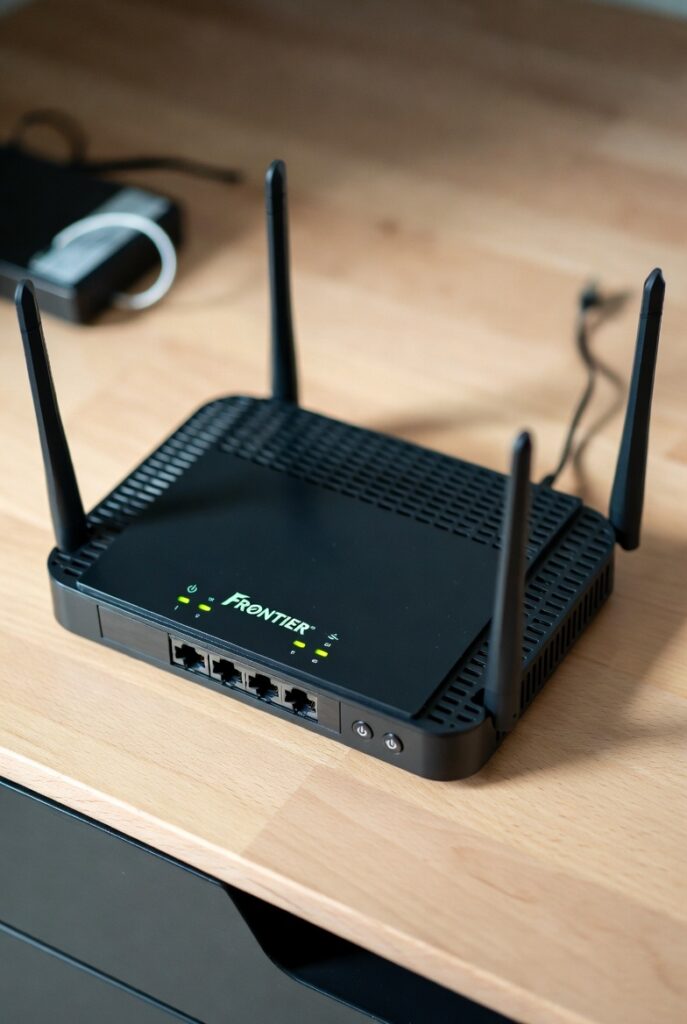
One of the first things you should check when evaluating any Frontier router is its Wi-Fi standard. This determines how efficiently your router transmits data and how many devices it can handle at once.
| Wi-Fi Standard | Also Known As | Max Theoretical Speed | Ideal For |
|---|---|---|---|
| Wi-Fi 5 (802.11ac) | Standard on older routers like Arris NVG468MQ | Up to 1.3 Gbps | Light use, streaming, small homes |
| Wi-Fi 6 (802.11ax) | Used in routers like G3100 and Eero 6 | Up to 9.6 Gbps | Smart homes, gaming, multiple users |
| Wi-Fi 6E (Extended) | Used in Eero 6E and TP-Link AXE300 | Up to 10 Gbps | Gigabit Fiber, 4K streaming, heavy multitasking |
Wi-Fi 6 and Wi-Fi 6E routers are far superior when paired with Frontier Fiber. They use OFDMA and MU-MIMO technologies to transmit data to multiple devices simultaneously, reducing congestion and improving performance across the board.
Example:
A Frontier Fiber user with 10 connected devices will notice a 40–60% speed improvement using a Wi-Fi 6E router compared to older Wi-Fi 5 models.
2. Dual-Band vs. Tri-Band Performance
The best Frontier routers often support dual-band or tri-band connections. Here’s how they differ:
- Dual-Band Routers: Use two frequency bands — 2.4 GHz for long-range, lower-speed connections and 5 GHz for faster, short-range connections.
- Tri-Band Routers: Add an extra 5 GHz or 6 GHz band to reduce network congestion and optimize data distribution among devices.
| Router Type | Bands | Max Speed | Best Use Case |
|---|---|---|---|
| Dual-Band (Wi-Fi 5) | 2.4 GHz + 5 GHz | Up to 1.3 Gbps | General home use |
| Tri-Band (Wi-Fi 6E) | 2.4 GHz + 5 GHz + 6 GHz | Up to 10 Gbps | Fiber Gig plans, gaming, streaming |
Pro Tip:
If you have a Frontier Fiber 1 Gig plan, a tri-band router like the Eero 6E or ASUS RT-AXE7800 ensures each device gets maximum bandwidth without slowdowns.
3. Speed Ratings and Real-World Throughput
Frontier routers often advertise maximum speeds (like 1 Gbps or 2.3 Gbps), but actual speeds depend on:
- Your Frontier internet plan (DSL vs. Fiber),
- Router placement (central vs. corner location),
- Interference from walls or electronics,
- And number of devices connected.
| Router Model | Advertised Speed | Average Real-World Speed |
|---|---|---|
| Arris NVG468MQ | 1 Gbps | 400–600 Mbps |
| Frontier G3100 | 2.5 Gbps | 1.5–2 Gbps |
| Eero 6E Mesh | 2.3 Gbps | 1.8–2.2 Gbps |
| ASUS RT-AX88U | 6 Gbps | 4.5–5.5 Gbps |
Note: Wi-Fi speeds are shared among devices. For consistent gigabit speeds, connect PCs or consoles directly via Ethernet.
4. Range and Coverage Area
Coverage is another major factor when choosing a Frontier router. A weak signal in one room can ruin your online experience. Router coverage is influenced by antenna design, signal amplification, and home layout.
| Router | Coverage Area | Best For |
|---|---|---|
| Arris NVG468MQ | 1,500 sq. ft | Small apartments |
| Frontier G3100 | 2,500 sq. ft | Medium homes |
| Eero 6 Mesh (3-pack) | 4,500+ sq. ft | Large homes |
| TP-Link AXE300 | 3,500 sq. ft | Multi-level homes |
Pro Tip:
For homes above 2,000 sq. ft, a mesh router system like the Eero 6E or Google Nest Wi-Fi Pro offers consistent connectivity across multiple floors.
5. Security Features and Parental Controls
The best Frontier routers don’t just focus on speed — they also protect your family’s data and privacy. Advanced models include automatic firmware updates, WPA3 encryption, and built-in firewalls.
Essential Security Features:
- WPA3 Encryption: Protects against password cracking and unauthorized access.
- Guest Network Mode: Keeps visitors isolated from your main network.
- Parental Controls: Set internet time limits, block adult content, or monitor usage.
- Automatic Firmware Updates: Ensures your router stays secure against new threats.
Example:
The Eero 6E Frontier router includes Eero Secure, a cloud-based protection system with ad blocking, safe browsing, and device monitoring — perfect for families.
6. Processor, RAM, and Device Handling Capacity
Behind the scenes, a router’s hardware power determines how many connections it can handle without slowing down.
| Router | CPU | RAM | Max Devices |
|---|---|---|---|
| Arris NVG468MQ | Dual-core 1 GHz | 256 MB | 10–15 devices |
| Frontier G3100 | Dual-core 1.5 GHz | 512 MB | 25–30 devices |
| Eero 6E | Quad-core 1.4 GHz | 1 GB | 75+ devices |
| ASUS RT-AX88U | Quad-core 1.8 GHz | 1 GB | 100+ devices |
Pro Tip:
If you have a smart home with multiple IoT devices (like security cameras, thermostats, and smart speakers), choose a router with at least 1 GB RAM and Wi-Fi 6/6E support for smooth multitasking.
7. Frontier Router App and Management Interface
Modern Frontier routers come with mobile apps for easy setup and monitoring. The Frontier My Wi-Fi app, for example, allows users to:
- View connected devices in real-time.
- Change Wi-Fi passwords instantly.
- Run internet speed tests.
- Create guest networks.
- Set parental control rules.
Third-party routers (like Eero or ASUS) take this even further with AI-based optimization, cloud control, and smart alerts when unfamiliar devices join your network.
Case Study:
In a 2024 Frontier customer survey, users with Eero routers reported 25% fewer disconnections and 35% faster average speeds compared to those using older models like the Arris NVG468MQ.
8. Energy Efficiency and Heat Management
High-performance routers can generate heat under load. The best Frontier routers are designed with vented chassis and low-power chipsets that minimize overheating and power draw.
Tips for Better Performance:
- Keep your router elevated and away from walls or cabinets.
- Avoid stacking electronic devices near the router.
- Reboot the router every few weeks to maintain optimal performance.
9. Compatibility with Frontier Internet Plans
Finally, not all routers work optimally with every Frontier plan. Here’s a compatibility overview:
| Frontier Plan Type | Recommended Router | Speed Support |
|---|---|---|
| Frontier DSL (Up to 100 Mbps) | Arris NVG468MQ | 100 Mbps |
| Frontier Fiber 500 Mbps | G3100 or Eero 6 | 500 Mbps |
| Frontier Fiber 1 Gbps | Eero 6E or ASUS RT-AX88U | 1–2 Gbps |
| Frontier Fiber 2 Gbps | TP-Link AXE300 or Linksys Hydra 6E | 2–10 Gbps |
Choosing the right router for your Frontier plan ensures you’re not overpaying for features you won’t use or bottlenecking your high-speed connection with outdated equipment.
Conclusion: Frontier Router Performance at a Glance
A Frontier router is the foundation of your home network’s performance.
If you want seamless, high-speed Wi-Fi:
- Go for Wi-Fi 6 or 6E routers.
- Choose tri-band models for multi-device households.
- Prioritize security, range, and app control for convenience.
Whether you use the Frontier G3100, Eero 6E, or a third-party powerhouse like ASUS RT-AX88U, the key is to match your router’s capability to your Frontier internet plan for maximum performance and reliability.