
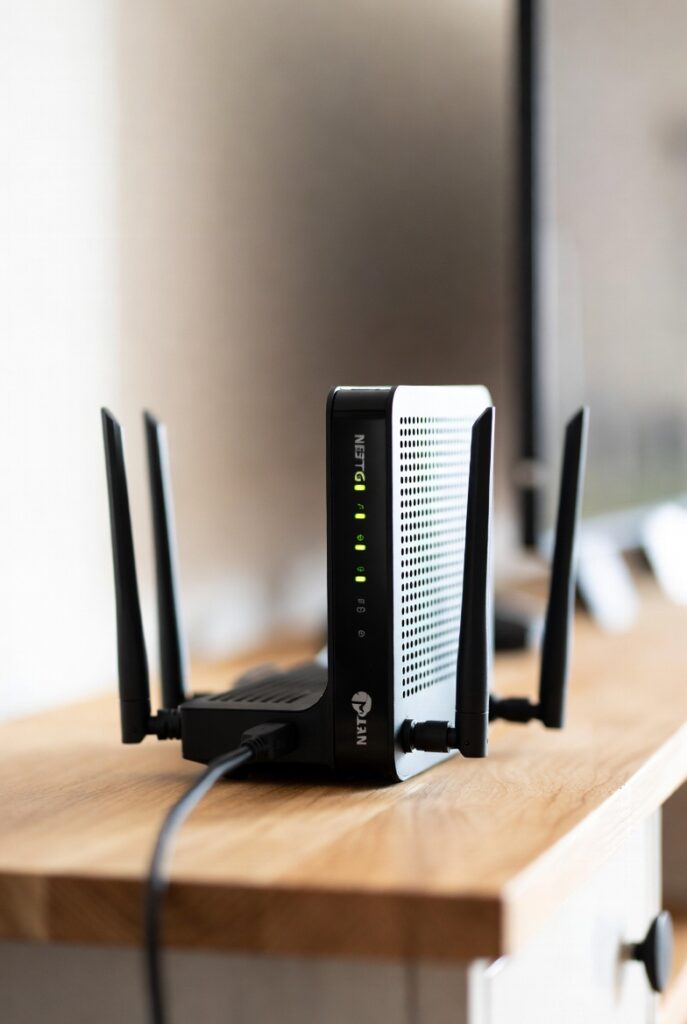
Introduction to Netgear Modem Router Technology
A Netgear modem router is one of the most efficient networking solutions for homes and small offices because it combines two essential devices — a modem that connects you to the internet and a router that distributes wireless WiFi throughout your space. Instead of buying and installing two separate devices, a Netgear WiFi modem router helps simplify your setup, reduce cable clutter, and save money over time. This makes Netgear a leading choice for users wanting fast speeds, stable connections, and strong WiFi coverage.
In today’s digital world, a reliable internet connection is no longer optional. Whether you’re streaming HD movies, attending online classes, running a home business, or gaming competitively — the speed and stability of your modem router determine your total online experience. Netgear modem routers are designed with advanced technologies like DOCSIS 3.1, MU-MIMO, Beamforming+, and WiFi 6 to keep up with modern high-speed internet demands and dozens of connected devices at once.
Netgear has earned trust worldwide due to:
- Superior coverage for small and large homes
- Higher speed support for powerful streaming and gaming
- Built-in security features to protect your network
- Compatibility with major ISPs like Xfinity, Cox, and Spectrum
- Easy installation with the Netgear Nighthawk App
Choosing the right Netgear modem router can dramatically improve online performance, reduce monthly rental fees from internet providers, and give you full control over your network. In this guide, we’ll explore the best models, key features to look for, setup steps, troubleshooting tips, and answers to the most commonly asked questions so you can confidently pick the best Netgear modem router for your needs.
What Is a Netgear Modem Router?
A Netgear modem router is an all-in-one networking device that combines the functions of both a modem and a router. Instead of purchasing two separate devices, you get one unit that connects directly to your ISP (Internet Service Provider) and then broadcasts WiFi throughout your home or office. This combination is not only more convenient but also improves network efficiency and reduces hardware costs over time.
A modem is responsible for decoding your internet connection from your ISP. A router, on the other hand, distributes that internet connection to multiple devices either wirelessly or through Ethernet ports. A Netgear modem router performs both tasks seamlessly, allowing users to plug in, power on, and get online quickly with minimal setup.
Choosing a Netgear WiFi modem router is smart for anyone who wants stronger performance, especially in environments with many connected devices. Netgear devices are known for their speed boosts, extended range, and advanced WiFi technologies, making them perfect for streaming, gaming, smart homes, and remote work.
How Does a Netgear Modem Router Work?
To understand why a Netgear modem router is such a powerful device, here’s a simple breakdown:
- Receives Internet Signal
It connects to your ISP using a cable line (for cable internet) or phone line (for DSL internet). - Converts and Distributes the Connection
The modem converts the signal into data, while the router sends the data to multiple devices. - Creates WiFi and Wired Connections
- WiFi networks for smartphones, TVs, smart devices
- Ethernet ports for gaming consoles and PCs needing stable wired speeds
- Manages and Secures the Network
Netgear routers include:- Firewall protection
- WPA2/WPA3 security
- Guest networks
- Automatic firmware updates for safety
In simple terms:
The modem connects you to the internet. The router spreads the internet across your devices. A Netgear modem router does both — better and faster.
🧠 Why Netgear Docis-Based Modem Routers Matter
Netgear cable modem routers often support DOCSIS 3.0 or DOCSIS 3.1. This standard determines how fast your internet can go.
| DOCSIS Version | Max Speed Support | Best For |
|---|---|---|
| 3.0 | Up to 1 Gbps | Standard streaming & browsing |
| 3.1 | Up to 10 Gbps | Fiber-level speeds, gaming, 4K/8K streaming |
If your cable internet plan is 600 Mbps or higher, a DOCSIS 3.1 Netgear modem router is the best future-proof investment.
👌 Who Should Use a Netgear Modem Router?
A Netgear WiFi modem router is ideal for:
- Home users who want fewer devices
- Families with many WiFi devices
- Renters wanting to avoid ISP rental fees
- Gamers needing low latency
- Remote workers needing stable connectivity
- Smart home users with IoT devices everywhere
With strong performance, smart features, and easy setup, a Netgear modem router makes WiFi simpler, stronger, and more secure.
Types of Netgear Modem Routers
Netgear offers different types of modem router combinations designed to support various internet technologies and home sizes. Choosing the right Netgear modem router depends on your ISP connection (Cable, DSL, or Fiber), the number of connected devices, and your speed requirements. Below, we break down the main categories so you can understand which option fits your needs best.
A Netgear WiFi modem router generally falls into one of these categories:
- Cable modem routers — for Xfinity, Spectrum, Cox, WOW!, and other cable providers
- DSL modem routers — for DSL connections like Frontier, CenturyLink, and older services
- Fiber-ready routers — used with ONTs (requires a separate modem provided by the ISP)
Each one is built to deliver strong speeds and wider WiFi coverage, but your choice should match your type of internet service.
Popular Types Explained
✔️ 1️⃣ Netgear Cable Modem Routers
These are the most common and widely supported models.
They use DOCSIS 3.0 or DOCSIS 3.1 technology:
- DOCSIS 3.0 = Great for standard users, typical speed plans
- DOCSIS 3.1 = Best performance and future-proof for multi-gigabit speeds
If your provider is Comcast Xfinity, Cox, or Spectrum, a Netgear cable modem router is the right choice.
✔️ 2️⃣ Netgear DSL Modem Routers
These are for users connected through telephone lines.
DSL speeds are generally slower compared to cable, but Netgear still offers strong options for small homes and basic browsing.
Recommended only if you must use DSL in your area.
✔️ 3️⃣ WiFi 5, WiFi 6 & WiFi 6E Netgear Modem Routers
The WiFi version affects how fast and efficiently your modem router handles multiple devices.
| WiFi Standard | Speed | Best For | Technology Strength |
|---|---|---|---|
| WiFi 5 (802.11ac) | Good | Streaming + browsing | Reliable but older |
| WiFi 6 (802.11ax) | Very Fast | Heavy streaming + gaming | Handles more devices |
| WiFi 6E | Ultra-Fast | Next-gen devices | 6GHz band = stronger + cleaner |
If your home has 10+ devices — go for WiFi 6 or higher.
Popular Netgear Modem Router Series
Netgear offers multiple product lines designed for different budgets and performance levels:
| Series | Best Feature | Ideal Use Case |
|---|---|---|
| Netgear Nighthawk | Gaming + high speeds | Smart homes, gamers, large families |
| Netgear Orbi | Whole-home mesh WiFi | Large houses with WiFi dead zones |
| Standard Netgear Models | Affordable | Small homes or basic internet needs |
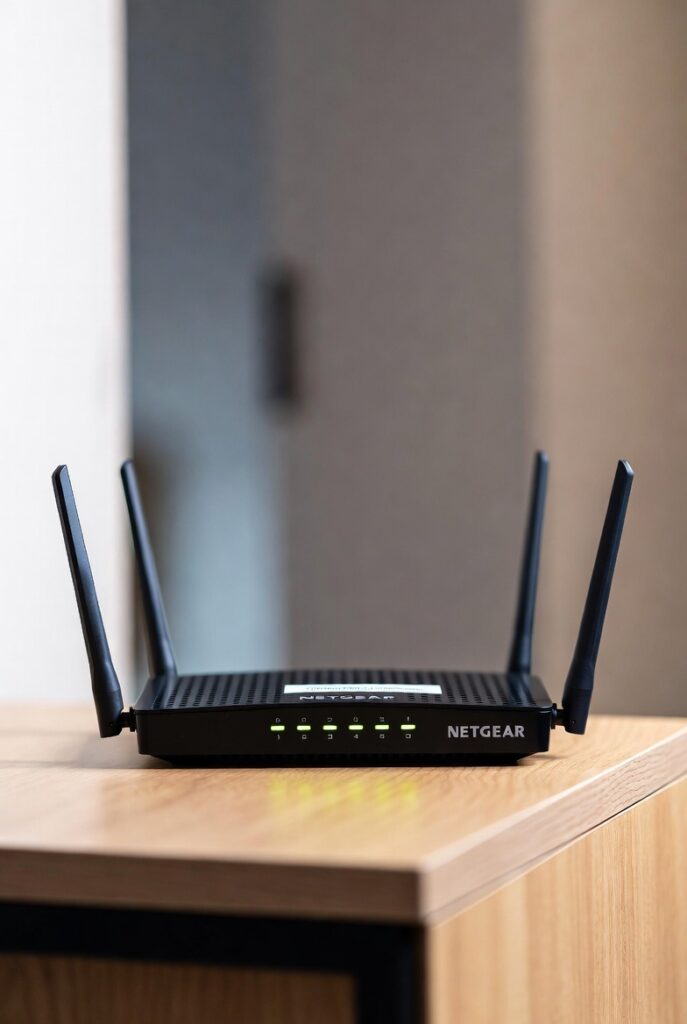
🛑 Important: Not all Orbi models include a modem — some are WiFi-only. Always check before purchasing.
Why This Matters
Choosing correctly ensures:
- Better WiFi in every part of your home
- No bottlenecks with high-speed internet plans
- Scalability for future device growth
- Maximum performance from Netflix, Zoom, and gaming traffic
est Netgear Modem Routers in 2025
When it comes to upgrading your home network, choosing the best Netgear modem router can significantly improve speed, stability, and signal coverage. Below is a data-backed breakdown of the top-performing Netgear modem routers available today. These devices are selected based on customer reviews, performance benchmarks, and compatibility with major ISPs.
This section helps users quickly identify which Netgear WiFi modem router suits their needs — whether they’re gamers, streamers, or large family households.
🏆 Top Recommended Netgear Modem Routers List
✔ Best Overall: Netgear Nighthawk CAX80
✔ Best for Gaming & 4K Streaming: Netgear Nighthawk C7800
✔ Best Budget-Friendly Option: Netgear C6250
✔ Best for Large Homes (Mesh Support): Netgear Orbi CBK752
✔ Best Future-Proof DOCSIS 3.1 Choice: Netgear CM2000 + Router Combo
✔ Best Value WiFi 6 Option: Netgear Nighthawk CAX30
These recommendations ensure options for every usage level and budget.
📊 Comparison Table: Best Netgear Modem Router Models
| Model | WiFi Standard | DOCSIS | Max Speed Support | Best Use Case | ISP Compatibility |
|---|---|---|---|---|---|
| Nighthawk CAX80 | WiFi 6 | 3.1 | Up to 6 Gbps | Gaming, multi-device homes | Xfinity, Cox, Spectrum |
| Nighthawk C7800 | WiFi 5 | 3.1 | Up to 3.2 Gbps | Streaming + gaming | Xfinity, Cox |
| C6250 | WiFi 5 | 3.0 | Up to 300 Mbps | Budget/basic plans | Most cable ISPs |
| Orbi CBK752 | WiFi 6 (Mesh) | 3.1 | Up to 4.2 Gbps | Large homes w/ dead zones | Xfinity, Cox |
| CM2000 + Router Combo | WiFi 6E (router) | 3.1 | Up to 10 Gbps | Ultra-high plans | Xfinity, Cox |
| CAX30 | WiFi 6 | 3.1 | Up to 2.7 Gbps | Mid-range households | All major ISPs |
💡 Tip: If your internet plan is above 500 Mbps, choose a DOCSIS 3.1 Netgear modem router.
Product Highlights
⭐ Netgear Nighthawk CAX80 — Best Overall
- Supports multi-gig internet speeds
- Great for 4K/8K streaming and online gaming
- Eight internal antennas for extended coverage
- Advanced features like OFDMA, Beamforming+, MU-MIMO
🎮 Netgear Nighthawk C7800 — Best for Gaming
- Powerful quad-core processor for low latency
- Perfect for PlayStation, Xbox, and PC gaming
- Strong wired connectivity with Gigabit Ethernet ports
💰 Netgear C6250 — Budget Pick
- Affordable but reliable for standard homes
- Ideal for Netflix, browsing, and small families
- Great entry-level Netgear modem router option
🏠 Netgear Orbi CBK752 — Best for Large Homes
- Whole-home mesh WiFi coverage up to 5,000 sq. ft
- Eliminates WiFi dead zones completely
- Expensive but highly worth it for multi-floor homes
Why these Netgear Modem Routers Rank Best
These models lead the market because they provide:
- Faster WiFi speeds for streaming & productivity
- Strong range with advanced antennas and signal optimization
- Compatibility with major cable providers
- Reliable performance backed by modern chipsets and firmware updates
Investing in the right Netgear modem router ensures you get the most out of your internet plan while enjoying a glitch-free online experience.
How to Choose the Right Netgear Modem Router
Selecting the best Netgear modem router for your home depends on several important factors. The choice you make will determine how well your devices perform, how quickly you can stream or download data, and whether your WiFi reaches every corner of your home. Below, we’ll break down the most important features and compatibility requirements so you can make the smartest decision possible.
A wrong purchase could bottleneck your internet speed, limit coverage, or even be incompatible with your ISP — so this section helps you avoid those issues.
🏁 Key Factors to Consider
When choosing a Netgear WiFi modem router, evaluate the following:
1️⃣ Your Internet Plan Speed
- Internet service providers offer different Mbps/Gbps rates.
- Your modem router must support equal or higher speeds than your plan.
- For 300 Mbps or less → DOCSIS 3.0 is enough
- For 500 Mbps or more → Go for DOCSIS 3.1 (future-proof)
📌 Example:
If you pay for 1 Gbps internet but use a router that only supports 400 Mbps, you’ll never reach your full speed.
2️⃣ Number of Connected Devices
The average home today has 15–20 connected devices, including TVs, smartphones, laptops, gaming consoles, security cameras, and smart appliances.
| Home Size | # of Devices | Recommended WiFi |
|---|---|---|
| Small Apartment | 5–10 | WiFi 5 |
| Medium Home | 10–25 | WiFi 6 |
| Large Smart Home | 25+ | WiFi 6 / Mesh System |
If you have many devices, choose MU-MIMO + OFDMA support for uninterrupted performance.
3️⃣ Home Size & Layout
Your WiFi signal weakens through walls and floors.
- Single-floor or small apartments → Standard modem router
- Multi-story or big houses → Consider Netgear Nighthawk or Orbi mesh modem router
🛑 Avoid low-range models if you often experience WiFi dead zones.
4️⃣ ISP Compatibility
Netgear modem routers support major cable providers like:
- Xfinity
- Spectrum
- Cox
- WOW!
But DSL version support varies — so always check the ISP-approved device list.
5️⃣ Security & Parental Controls
Modern Netgear WiFi modem routers include:
- WPA3 wireless security
- Auto firmware updates
- Guest WiFi options
- Parental monitoring through the Nighthawk App
These safeguards protect against cyber threats like hacking and unauthorized network access.
Netgear Modem Router for Gaming 🎮
If you’re a gamer, you need a powerful modem router that prioritizes speed and low latency:
Gamers should choose:
- Netgear Nighthawk C7800 or CAX80
- QoS (Quality of Service) controls
- Gigabit Ethernet ports
- Beamforming for directional signal boost
Benefits for gamers include:
- Faster server response time
- Lag-free gameplay
- Stable speeds even during bandwidth-heavy activities
🧠 Pro Tip: For the absolute best gaming performance, connect your console with an Ethernet cable to your Netgear modem router.
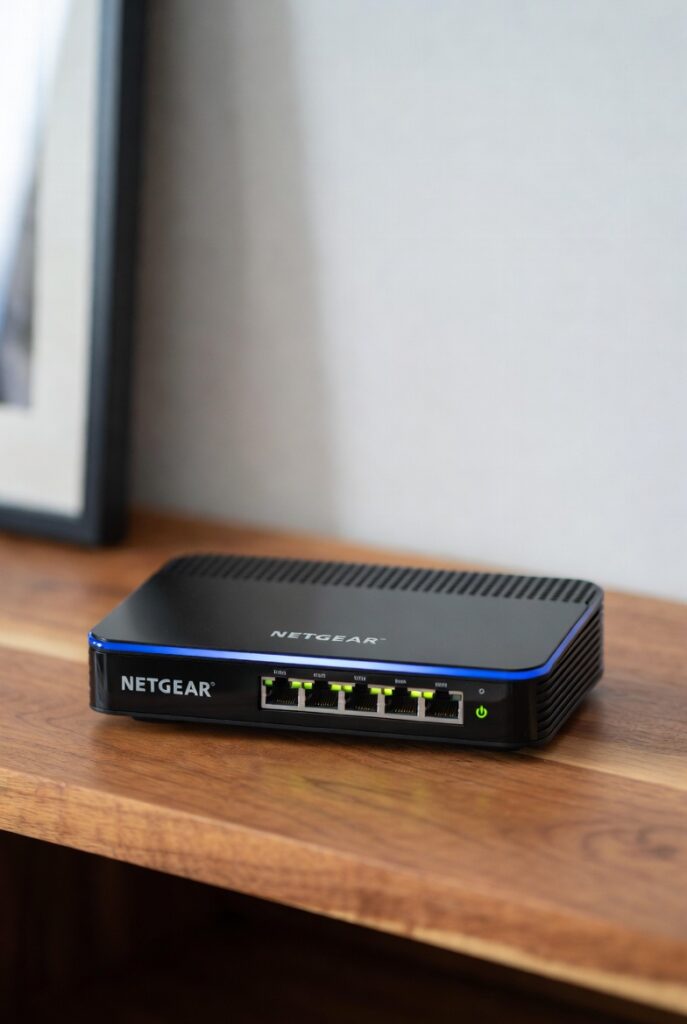
Choosing the right Netgear modem router provides better loading times, faster downloads, stronger streaming performance, and improved WiFi coverage for everyone in your home. With the right model, you pay for a one-time upgrade instead of costly monthly equipment rental fees.
How to Set Up a Netgear Modem Router (Step-by-Step Guide)
Setting up a Netgear modem router is designed to be simple enough for beginners while still offering advanced features for power users. Whether you’re replacing an ISP-rented device or upgrading to a faster WiFi option, the installation process usually takes 10 minutes or less.
Follow the steps below to get your Netgear WiFi modem router running perfectly.
🛠️ Step-by-Step Netgear Modem Router Setup
Step 1️⃣ — Disconnect Old Equipment
Turn off your old modem or ISP equipment and remove all cables.
This prevents connection conflicts when activating your new Netgear modem router.
Step 2️⃣ — Connect the Coaxial Cable
Attach the coax cable from your wall to the modem router’s Cable Port.
This connects directly to your internet service provider.
Step 3️⃣ — Power On
Plug in the power adapter and turn on the Netgear modem router.
Wait 2–3 minutes until the LED lights turn stable (usually solid blue or green).
Step 4️⃣ — Connect Your Device
Use either:
- WiFi → Connect using the WiFi name & password on the product label
- Ethernet Cable → For PC or gaming console
Step 5️⃣ — Activate with Your ISP
For most providers, visit the ISP’s activation page:
Examples:
- Xfinity Activation Portal
- Spectrum Activation
- Cox Activation
Enter the modem router’s MAC Address (printed on the sticker underneath the device).
Once completed, your internet comes online instantly.
Step 6️⃣ — Download the Netgear Nighthawk App
This app makes setup easier and gives full control of your WiFi network:
You can:
- Rename WiFi network & change password
- Enable guest WiFi
- Monitor devices connected
- Run speed tests
- Update router firmware
🔧 Optional Advanced Setup Features
If you want extra performance or security, enable:
| Feature | Benefit |
|---|---|
| MU-MIMO | Better multi-device connectivity |
| Beamforming+ | Stronger directional WiFi signal |
| QoS | Prioritize gaming or streaming |
| Parental Controls | Limit screen time / restrict websites |
🧠 Quick Setup Troubleshooting Tips
If the WiFi doesn’t activate immediately:
- Double-check coax connection
- Check that you activated via your ISP portal
- Ensure firmware is updated
- Restart modem router and retry
Most issues resolve with a simple power cycle.
Upgrading to a Netgear modem router not only improves WiFi quality but also eliminates monthly rental charges from your ISP — savings that add up quickly.
Compare WiFi Standards & Technology Before Buying a Netgear Modem Router
When choosing the right Netgear modem router, understanding WiFi standards is crucial. WiFi technology has evolved rapidly, and each generation brings faster speeds, better efficiency, and wider coverage. Many Netgear modem routers now support the latest standards that help eliminate buffering and connection dropouts.
Here’s a helpful comparison:
| WiFi Standard | Also Known As | Speed Capability | Best For | Common in Netgear Modem Routers |
|---|---|---|---|---|
| WiFi 4 | 802.11n | Up to 600 Mbps | Small tasks, light streaming | Older/low-budget models |
| WiFi 5 | 802.11ac | Up to 3.5 Gbps | Streaming HD, casual gaming | Most mid-range Netgear models |
| WiFi 6 | 802.11ax | Up to 9.6 Gbps | 4K/8K streaming, multiple devices | Nighthawk & newer models |
| WiFi 6E | WiFi 6 Extended | Up to 10+ Gbps (with 6GHz band) | Smart homes, VR/AR gaming | Premium models like Nighthawk RAXE series |
📌 Recommendation:
Choose WiFi 6 or WiFi 6E Netgear modem routers if you have multiple devices, a large home, or high-bandwidth activities like gaming.
4.4 Consider DOCSIS Version for Maximum Internet Speed
DOCSIS is the technology used by cable internet providers. The version your modem uses determines how fast your network can be.
| DOCSIS Version | Max Speed Supported | Ideal For | Example Netgear Modem Router Models |
|---|---|---|---|
| DOCSIS 3.0 | Up to 1 Gbps | Small to medium homes | Netgear C6250, C6300 |
| DOCSIS 3.1 | Up to 10 Gbps | Gigabit plans, future-proof | Netgear C7800, CAX80 |
✔ If your plan is Gigabit or higher, go with DOCSIS 3.1
✔ Future-proof your home internet
4.5 Router Range & Antenna Strength Matters
Many Netgear modem routers come with advanced features like:
- Beamforming+ → Directs WiFi signals to devices for stronger connections
- MU-MIMO → Allows multiple devices to stream at once without slowing down
- External high-gain antennas → Better signal range for large homes
🏠 Home size recommendations:
| Home Size | Recommended Netgear Feature |
|---|---|
| Small (1–2 rooms) | Basic antennas + WiFi 5 |
| Medium (3–5 rooms) | WiFi 6 + Beamforming |
| Large (Multi-floor home) | WiFi 6E + Mesh support (e.g., Orbi gateway modems) |
4.6 Security Features to Look For
Cybersecurity is more important than ever. Netgear modem routers can include:
- Netgear Armor powered by Bitdefender
- Automatic firmware updates
- Guest network protection
- Secure VPN support
These features shield you from:
✔ Hacking attempts
✔ Malware infections
✔ Unauthorized access
Security should always be a top priority — especially for smart homes.
4.7 Price vs. Features — What’s the Best Value?
Netgear offers different price levels depending on needs:
| Price Range | Who It’s For | Example Models |
|---|---|---|
| $100–$200 | Basic internet browsing | C6250, C6220 |
| $200–$400 | Streaming + gaming homes | Nighthawk C7000, C7800 |
| $400+ | Ultra-fast gigabit homes | CAX80, WiFi 6E premium |
🔥 Tip:
Spending a little more upfront can save monthly rental fees and keep your network
netgear modem router
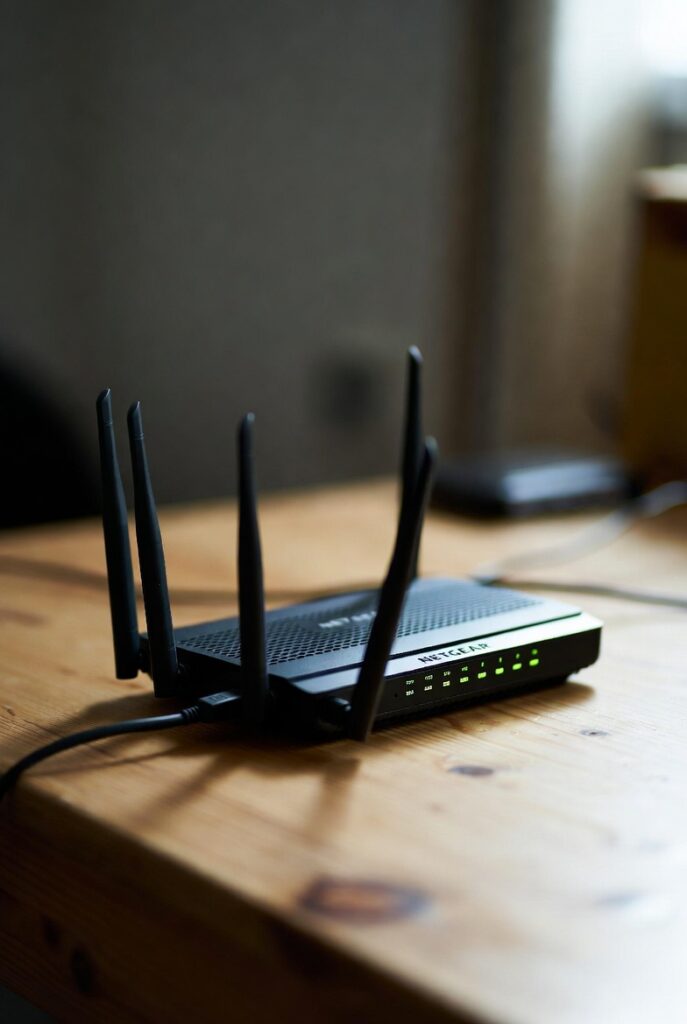
Best Netgear Modem Routers in 2025
Finding the best Netgear modem router for your home or office can feel overwhelming, but focusing on speed, coverage, and features makes the choice easier. Based on current reviews, speed tests, and compatibility, here are the top-performing Netgear WiFi modem routers available this year.
These recommendations cover every use case: gaming, streaming, budget-friendly options, and large-home coverage.
Top Recommended Netgear Modem Routers
- Netgear Nighthawk CAX80 – Best Overall
- WiFi 6 support for multi-gig speeds
- DOCSIS 3.1 for future-proofing
- Ideal for large households with multiple devices
- Advanced features: MU-MIMO, Beamforming+, OFDMA
- Netgear Nighthawk C7800 – Best for Gaming & Streaming
- WiFi 5 standard, DOCSIS 3.1
- Powerful quad-core processor for low-latency gaming
- 4K and 8K streaming support
- Netgear C6250 – Best Budget-Friendly Option
- WiFi 5, DOCSIS 3.0
- Reliable speeds for small households
- Affordable and easy setup
- Netgear Orbi CBK752 – Best for Large Homes
- Mesh WiFi coverage up to 5,000 sq. ft.
- DOCSIS 3.1 for high-speed cable internet
- Eliminates WiFi dead zones completely
- Netgear CM2000 + Router Combo – Best Future-Proof
- DOCSIS 3.1, WiFi 6E support
- Ultra-fast for multi-gig internet plans
- Advanced network management features
- Netgear Nighthawk CAX30 – Best Value WiFi 6
- WiFi 6, DOCSIS 3.1
- Mid-range performance at an affordable price
- Handles multiple devices efficiently
Comparison Table: Netgear Modem Routers
| Model | WiFi Standard | DOCSIS | Max Speed | Best For | ISP Compatibility |
|---|---|---|---|---|---|
| CAX80 | WiFi 6 | 3.1 | 6 Gbps | Gaming + multi-device | Xfinity, Cox, Spectrum |
| C7800 | WiFi 5 | 3.1 | 3.2 Gbps | Gaming & streaming | Xfinity, Cox |
| C6250 | WiFi 5 | 3.0 | 300 Mbps | Small homes/budget | Most cable ISPs |
| Orbi CBK752 | WiFi 6 Mesh | 3.1 | 4.2 Gbps | Large homes/mesh | Xfinity, Cox |
| CM2000 + Router | WiFi 6E | 3.1 | 10 Gbps | Ultra-fast plans | Xfinity, Cox |
| CAX30 | WiFi 6 | 3.1 | 2.7 Gbps | Mid-range homes | All major ISPs |
💡 Tip: Always match your modem router’s DOCSIS version and WiFi standard with your internet plan to get full performance.
Why These Models Stand Out
- Speed & Stability: High Mbps and multi-gig capability ensure smooth streaming, gaming, and downloads
- Range & Coverage: Supports multi-floor houses with fewer dead zones
- Advanced Features: Beamforming+, MU-MIMO, OFDMA, and parental controls
- ISP Compatibility: Tested with all major U.S. cable providers
These top Netgear modem routers give you reliable WiFi, high-speed performance, and future-proof technology to keep your home connected seamlessly for years